DIGITAL MENU & CUSTOMER FEEDBACK
Your Restaurant.
Your Menu.
One QR Code.
Create your restaurant profile, showcase your menu and collect customer feedback — all in one simple place.
Easy to set up No app required Easy to manage

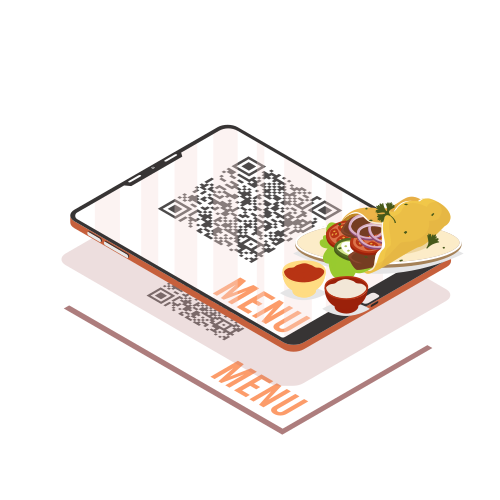 Scan to view
our menu & leave a reviewGood Food.
Better Feedback.

YOUR BUSINESS PROFILE
Everything Your Customers Need. In One Place.
A simple profile for your business, menu and customer feedback.
Menu
Showcase your menu with photos and delicious details.
Customer Feedback
Let customers share their experience with easy feedback options.
QR + Link
One profile you can share anywhere.
HOW IT WORKS
Get Started in 3 Simple Steps
Set up your profile, add your menu and get a QR code. It’s that easy!
Create Your Profile
Add your restaurant details and upload photos.
Add Your Menu
Share your food and drink options with your customers.
Get Your QR Code
Print or share your QR code and start getting feedback.
No app required for your customers.
FAQ
Frequently Asked Questions
DGMenu gives your business a digital menu, QR code and a place to collect customer feedback.
Customers scan your QR code and instantly open your DGMenu profile. No app or customer login is required.
Yes. You can add, edit, activate or deactivate menu items from your dashboard.
Yes. Customers can submit a rating and written feedback directly from your profile.
Reviews are private by default. You can review and approve them before they appear publicly on your profile.
Still have questions? View all FAQs
Ready to take your restaurant online?
Join DGMenu today and give your customers a better dining experience.
Get Started FreeGood Food. Better Feedback.